
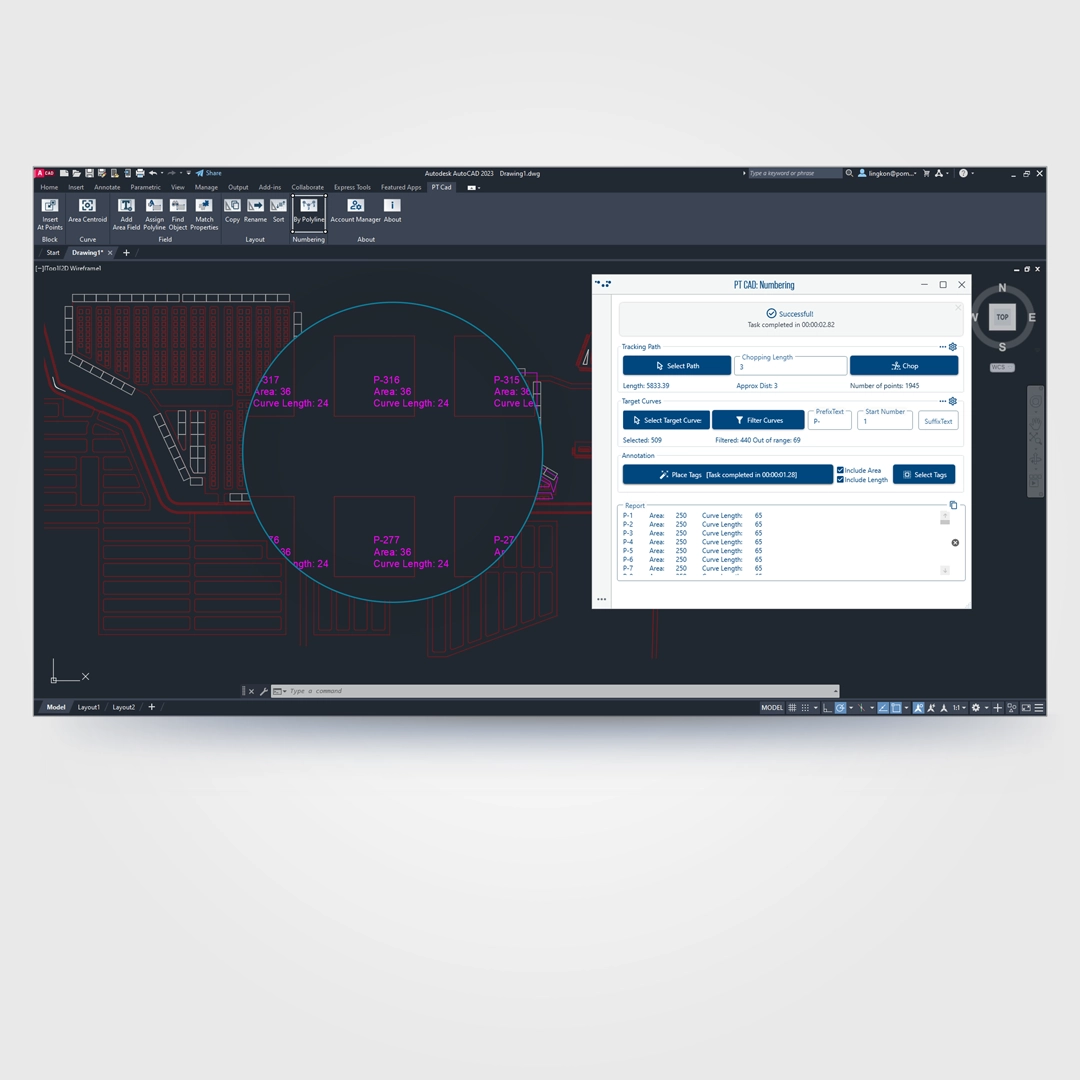
PT CAD is a powerful set of productivity tools designed to streamline common drafting, annotation, and layout workflows in AutoCAD. Built for speed, accuracy, and consistency, PT CAD helps users reduce repetitive work while maintaining precise control over drawing data.
The toolkit is organized into focused categories, each addressing a specific drafting need:
Block tools enable precise placement of block elements at defined points, ensuring consistent and accurate insertion across drawings.
Curve tools provide quick geometric analysis, such as identifying the centroid of any closed polyline for accurate positioning and reference.
Field tools simplify area management by allowing users to display internal polyline areas, assign or reassign polylines to existing area fields, locate objects linked to fields, and match formatting across multiple area annotations for visual consistency.
Layout tools accelerate sheet management by enabling bulk duplication, renaming, reordering, and sorting of layouts—ideal for projects with large drawing sets.
Numbering tools automate the creation of numbering sequences driven by geometry. Using polylines as guides, users can generate directional numbering with custom prefixes and suffixes, while optionally adding area values and dimensions for clear, data-rich annotations.
Overall, PT CAD is designed to enhance drafting efficiency, reduce manual errors, and support scalable workflows for professionals working on complex CAD projects.